

Building and sustaining lively online communities is tough. With so many platforms out there, it’s hard to make your mark. Many community builders struggle to tap into all the discord features community has to offer.
This often leads to underutilized servers and disengaged members.
I’ve seen it happen too many times. You invest time and energy, but it doesn’t pay off. Why?
It’s usually a lack of understanding of the tools at your fingertips.
In this article, I’ll break down the functionalities of Discord. I’ll provide clear definitions and strategic ‘how-to’s that can bring your server to life. You’ll get real examples that show how to build engagement and excitement.
Trust me, I know this space inside out. I’m not just spouting theory; I’ve navigated the practical realities of tech solutions that work.
By the end, you’ll have a solid grasp on how to use Discord’s core features. You’ll be empowered to create a changing, engaged community that thrives.
The Essentials: Communication Unlocked
Text channels are the backbone of any online community. You want organization? Dive into categories and topics.
Clever naming keeps everything tidy. And slow mode? It’s a lifesaver for keeping conversations flowing at a human pace.
Voice channels, though, are where the magic happens. Setting up various types (standard,) Stage, video. Allows for flexibility.
Permissions management is key (trust me, chaos is a click away). Use these channels for everything from live discussions to casual hangouts. Ever tried a virtual workshop?
It’s an experience.
Threads and replies keep the chaos at bay. They organize bustling channels, prevent overload, and keep discussions focused. It’s like having an assistant that sorts through the noise.
Rich media integration takes it a step further. Embedding links, images, videos, and GIFs isn’t just about showing off. It’s about making communication expressive.
A server’s vibe can shift radically with smart media use.
Pro tip: Structure your server’s initial channels well. Guide new members and promote engagement early. You want a positive tone from day one.
For a deeper dive into this digital world, check out the rise of fintech apps 2023. It’s a wild ride, isn’t it?
Building a Safe Space: Moderation and Member Management
When it comes to managing a Discord server, roles and permissions are your secret weapon. You can create custom roles like moderators or VIPs and assign permissions to control what each group can do. It’s like giving keys to different rooms in a house.
Discord’s native tools are pretty nifty too. Verification levels and content filtering keep the riff-raff out. Set up auto-moderation rules to maintain peace.
You don’t want your server to become a digital wild west, right?
Bots like MEE6 and Dyno? Important. They automate tasks like welcoming new members and enforcing rules.
It’s like having a digital bouncer that never sleeps.
Member screening and welcome screens set the tone. Ask new members to agree to rules before joining. It’s your chance to make a warm, informative first impression.
Clear community guidelines are key. Communicate them effectively so everyone understands what’s expected. A respectful atmosphere doesn’t just happen by accident.
And before you dive into enabling your community server, remember: Discord features community tools that can transform your server into a thriving hub. Pro tip: Keep refining your plan. It’s like gardening.
Constant tending yields the best blooms.
Sparking Interaction: Discord’s Game-Changing Features
Discord isn’t just a chat app. It’s a community powerhouse. You want to engage people?
Start scheduling events. Voice chats, stage events, even linking out to external sites. It’s all about creating buzz and anticipation.
I mean, who doesn’t love a good countdown?
Stage channels are fantastic for structured live audio. Think AMAs or live performances. You control the speakers and the audience gets to chime in.
It’s like your own personal radio show (minus the annoying ads).
Now let’s talk emojis and stickers. They’re not just for fun. They’re a way for your community to express itself.
Inside jokes, personalized reactions. It’s all about creating that unique server vibe.
Ever heard of server boosts? Members can chip in to get perks like better audio and more emoji slots. It’s collective investment.
People love perks.
And for keeping things lively, why not throw in polls or mini-games? They keep everyone on their toes, connected, and entertained. Because let’s face it, nobody wants a dead server.
, these discord features community like no other platform. Ready to rev up your server? Time to dive in and get those events rolling.
Craft Your Identity: Discord Branding Unleashed
You know, customizing a Discord server is like painting your own digital canvas. It’s all about making sure your personality shines through. Start with the server icon and banner.
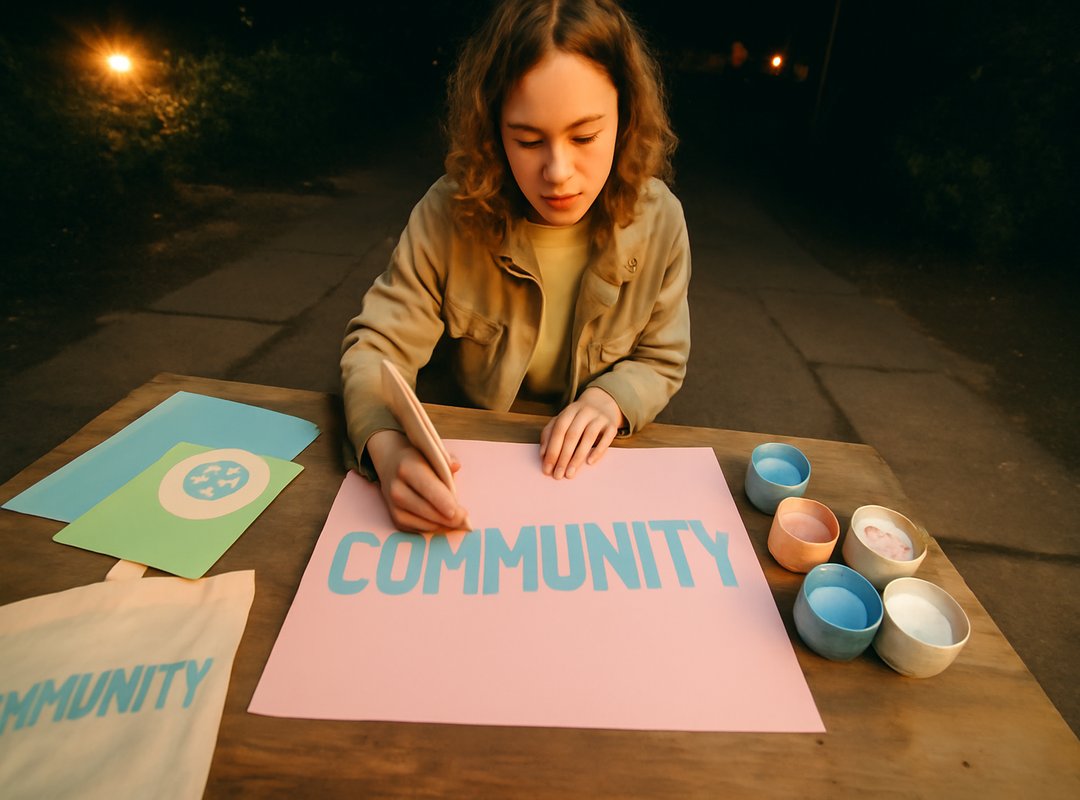
They’re the first things people see, and they set the tone for your community. Don’t skimp on these visuals; they’re important.
Next, let’s talk about custom invite links. They’re not just links. They’re the gateway to your world.
Make them unique and memorable so people don’t forget them. It’s like giving someone a key to your exclusive club.
Now, if you’re looking to expand rapidly, server templates are your best friend. They let you create a pre-configured setup that others can use. It’s perfect for those who don’t want to start from scratch every time.
And for those Level 3 boosted servers, vanity URLs are the ultimate prestige symbol. A custom URL? That’s branding gold.
Finally, don’t overlook Discord’s visual elements. Custom role colors and channel order are subtle yet effective ways to reinforce your brand identity. It’s like arranging furniture to make a room feel just right.
Oh, and if you’re into exploring more tech magic, check out Education Apps Remote Learning. Who knew learning could be so digital and engaging?
Expanding Horizons: Bots, Webhooks, and Community Magic
Discord bots are like secret weapons in your server arsenal. They do everything. Need moderation?
They’ve got your back. Want to add some fun games or set up a strong economy system? No problem.
These bots extend Discord’s native capabilities in ways you wouldn’t believe. But, let’s not get ahead of ourselves. Knowing how to add and configure these bots safely is key.
You’ve got to check permissions! Seriously, don’t skimp on this part. Understanding bot commands is another must.
And for heaven’s sake, choose reputable bot developers. Your community’s safety depends on it.
Now, have you heard about webhooks? They’re amazing for integrating external services like Twitch or YouTube. Webhooks automate updates right into your channels, keeping everyone informed without lifting a finger.
Third-party app integration? It’s gold for enriching your community. Platforms like Patreon or YouTube offer exclusive content that keeps people coming back.
Automation takes this to the next level. Bots can handle role assignments, welcome messages, even event reminders. Less manual work means more time for engaging with your discord features community (see what I did there?).
Level Up Your Discord Game
You came here looking for clarity on how to make Discord work for you. I get it. The platform can feel like a maze.
But now you have a roadmap to use those discord features community effectively.
Start small. Pick one or two features and experiment. You’ll see the difference in engagement and moderation.
These strategies aren’t just ideas. They’re proven ways to build thriving online spaces.
So take action. Apply what you’ve learned. Transform your Discord server into a lively hub.
Don’t hesitate. Your community deserves it. Get started right now, and watch it grow.
 Lirithyn Dusklance